Before You Start
Cheating in Rust is against Facepunch's Terms of Service. If you're caught, your Steam account can receive a VAC ban or EAC ban. This guide assumes you understand and accept that risk, and want to minimise it as much as possible.
Step 1: Set Up a Burner Account
Never cheat on your main Steam account. Create a fresh account or purchase one of our Rust Accounts — these come clean and aged, making them ideal for this purpose.
Step 2: Purchase an HWID Spoofer
A hardware ban means the anti-cheat has fingerprinted your physical hardware — CPU, GPU, disk, NIC. Even if you create a new Steam account, the ban follows your machine.
Before you ever run a cheat, install our HWID Spoofer. This randomises all hardware serials at the OS level, protecting your real machine from the permanent hardware ban.
Step 3: Choose Your Cheat
For Rust we offer three tiers:
| Product | Best For | From |
|---|---|---|
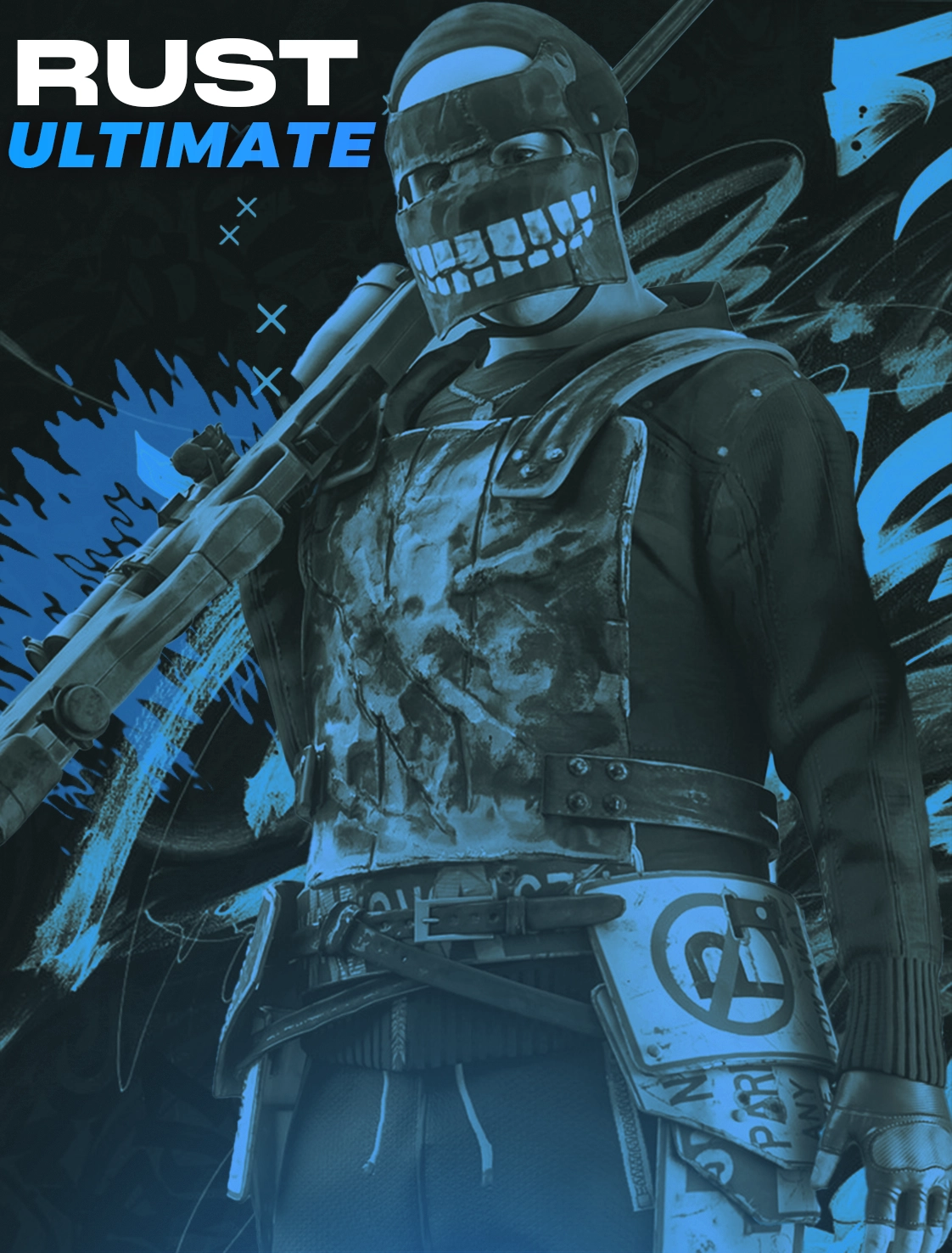
| Rust | Ultimate | Full feature set, maximum advantage | $6.99 / day |
| Rust | PRO | Solid all-rounder, great value | $7.99 / day |
| Quantum Rust | Maximum safety, external only | $9.99 / day |
Start with a day subscription to test compatibility with your system before committing to a week or month.
Step 4: System Preparation
Before running any cheat:
- Disable Secure Boot in your BIOS/UEFI
- Disable TPM or ensure it's configured per the cheat's requirements
- Exit all streaming/recording software (OBS, Discord screenshare, etc.)
- Close Rust if it's already running
- Run the cheat loader as Administrator
Step 5: Installing and Running
After purchase you'll receive an email with:
- Your licence key
- A download link for the loader
- Setup instructions specific to the product
The loader handles everything. You enter your key, it injects and patches at runtime, then you launch Rust normally.
Important: Only use the version of the loader we distribute. Never run builds from third-party sources — they are often trojaned.
Step 6: In-Game Configuration
Once in game, open the cheat menu (default keybind is Insert or Home — check your loader). Recommended settings for a low-profile experience:
- Aimbot smoothing: 5–10 (higher = more human-looking)
- FOV: 60–80° (don't set it at 180°, it's obvious)
- Bone target: Chest or neck (not head on range shots)
- ESP draw distance: 200–300m (match your effective shooting range)
- No recoil: On — but practise the vanilla recoil pattern so you can fake it manually if needed
Step 7: Staying Undetected Long-Term
- Check the Status page before every session. If a product shows "Updating", wait.
- Never share clips of obvious cheat behaviour to social media.
- Rotate accounts every few weeks on high-pop servers.
- Keep the HWID Spoofer running every time you play.
What to Do If You Get Banned
- Don't panic — it's why you used a burner account.
- Your hardware is protected (if you used the spoofer).
- Buy a fresh account, confirm the cheat's status is Undetected, and start again.
- Open a ticket in our Discord — our support team can help.
Ready to get started? Browse our full store →